> For the complete documentation index, see [llms.txt](https://docs.onocoy.com/documentation/llms.txt). Markdown versions of documentation pages are available by appending `.md` to page URLs; this page is available as [Markdown](https://docs.onocoy.com/documentation/3.-become-a-miner/4.-receive-rewards.md).
# Receive rewards
### Connect your Wallet
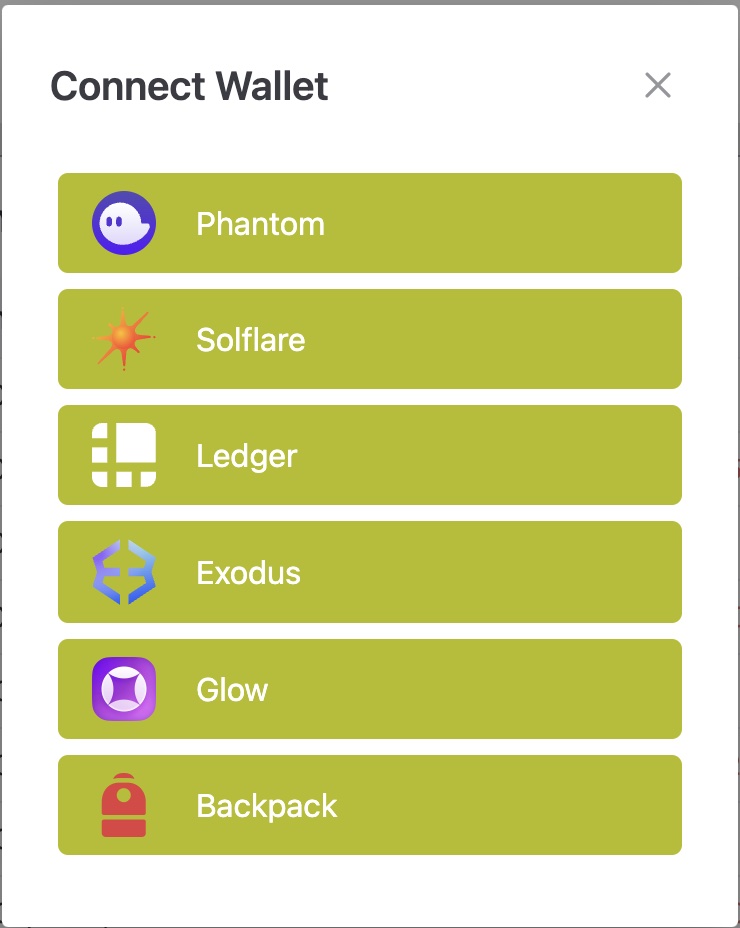
In order to receive rewards, you need to connect your wallet to onocoy. Head to the top right of your browser and click on *Connect Wallet.* A window will open to show you your wallet options.
Available wallet options
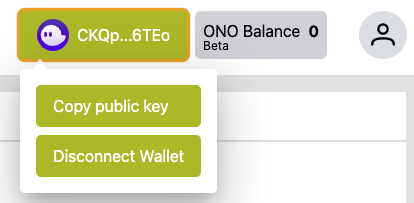
Choose your wallet and it will guide you through the connection process. After you connected successfully, the wallet logo will show up in the upper right corner. Click on your wallet to copy the public key or to disconnect.
If you don't have a wallet yet, watch our YouTube video on how to create and connect a Phantom wallet to onocoy.
{% embed url="" %}
### Data Validation
After you have connected your station to the onocoy network, your data stream will first go into the [Data Validation](/documentation/3.-become-a-miner/data-validation.md) process. Please note that it may take 24-36 hours to validate, as the validator performs initial tests on the data you are providing in order to determine the quality. This will show up in the explorer as the validation status.
### Register your stream
Finally, you need to **register your stream** in the NTRIP Credentials tab. This will only be possible after your station has been successfully validated.
Click the Register button to link the stream to your wallet.
A pop-up will confirm you have successfully registered the stream on the blockchain to receive rewards.
Click the "Register" button to link the stream to your wallet.
### Claim rewards
As soon as your station is validated and registered, you are ready to receive rewards! The rewards will come in the form of [Ono Token](broken://pages/bKzYkV4m7FfIQ28IoiOk). Be aware that the rewards come in with a 24 hour delay, as we recalculate your reward scale every day. This means that the incoming rewards are for the previous day's data.
Once available, you can claim your incoming rewards. This is done by clicking the *Claim Rewards* button in your NTRIP server list. You will have to manually claim them whenever you would like to see them in your connected wallet. How often you claim them is completely up to you. You have to make sure that you have at least a very small amount of SOL in your wallet in order to claim your BONO tokens.
Click the "Claim rewards" button to transfer your earned tokens to your wallet.
Check your wallet balance once you claimed your rewards. You can review your current balance in the upper right corner of the console.